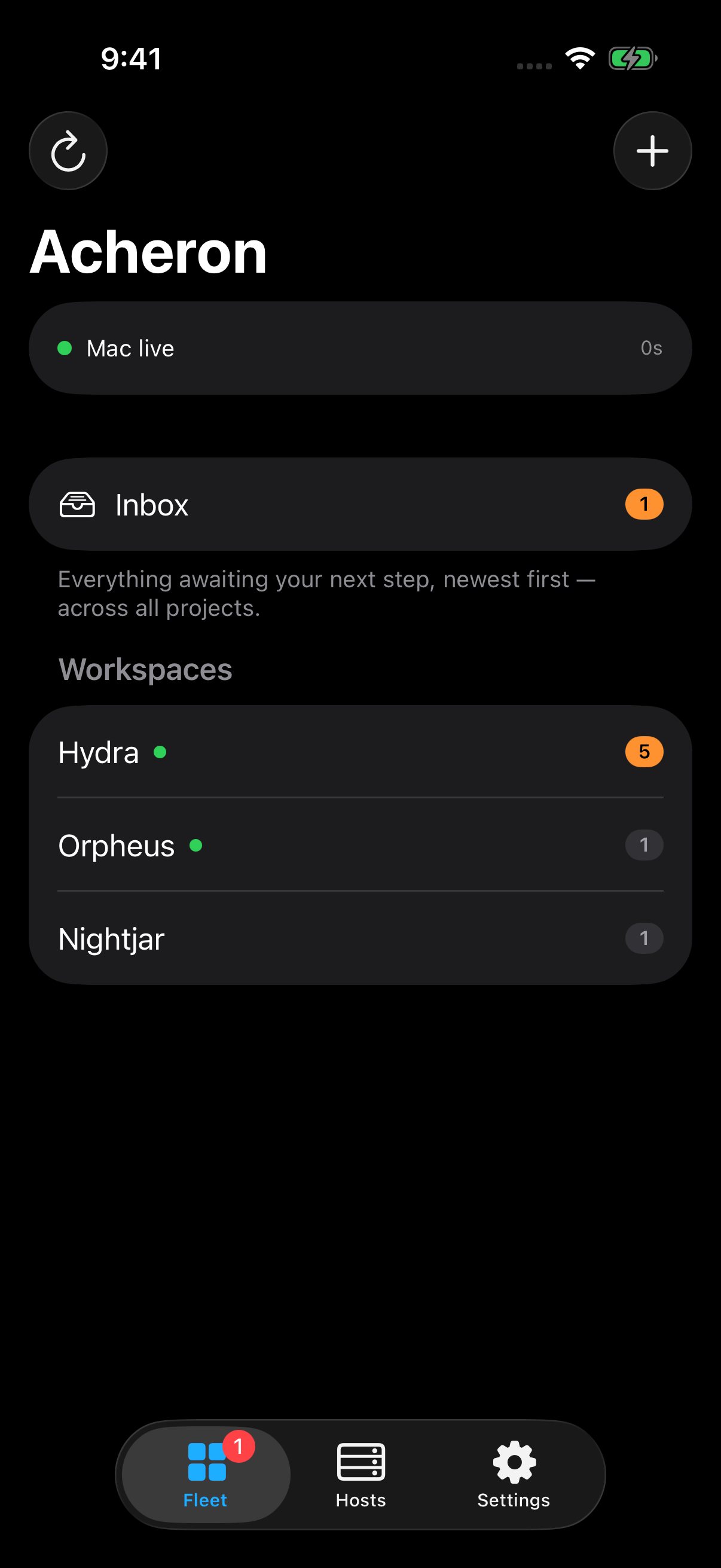
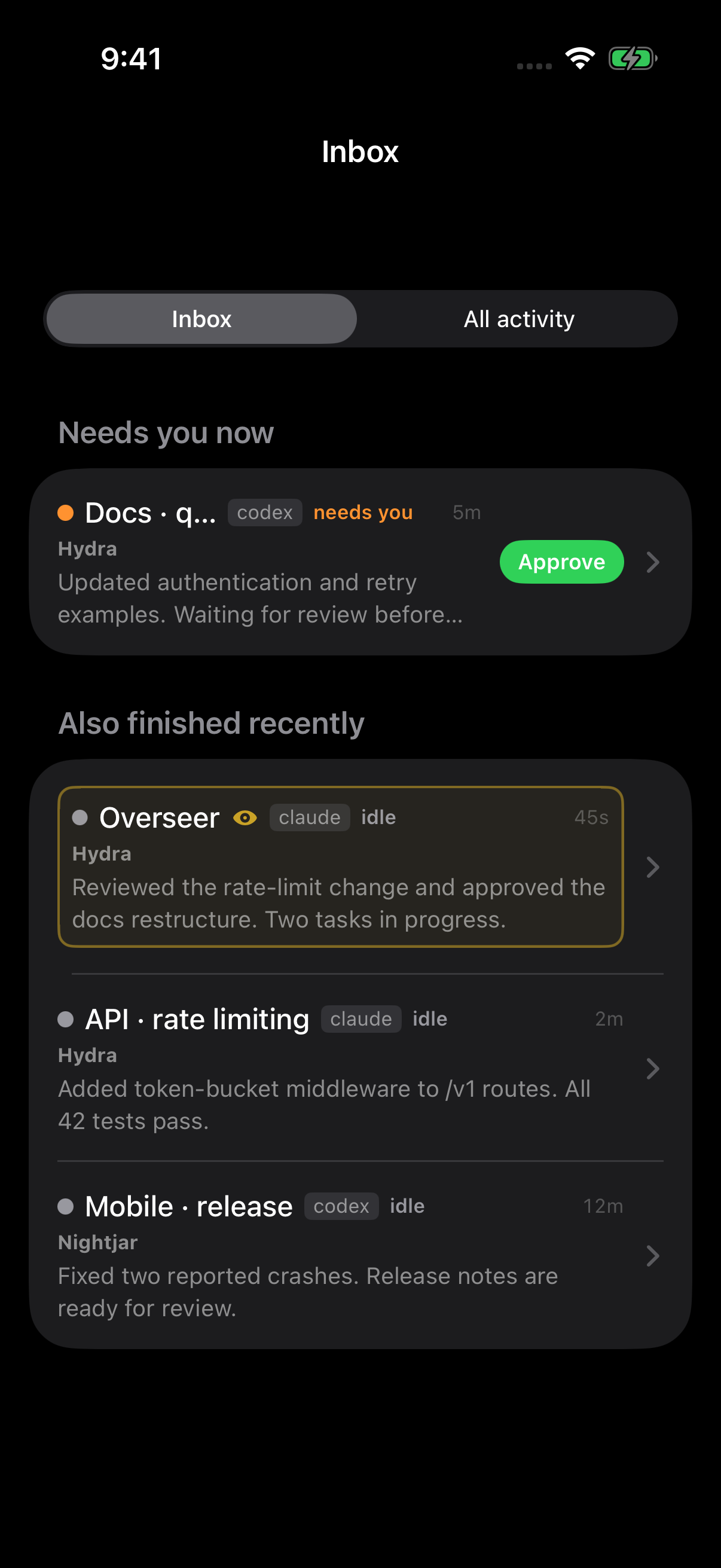
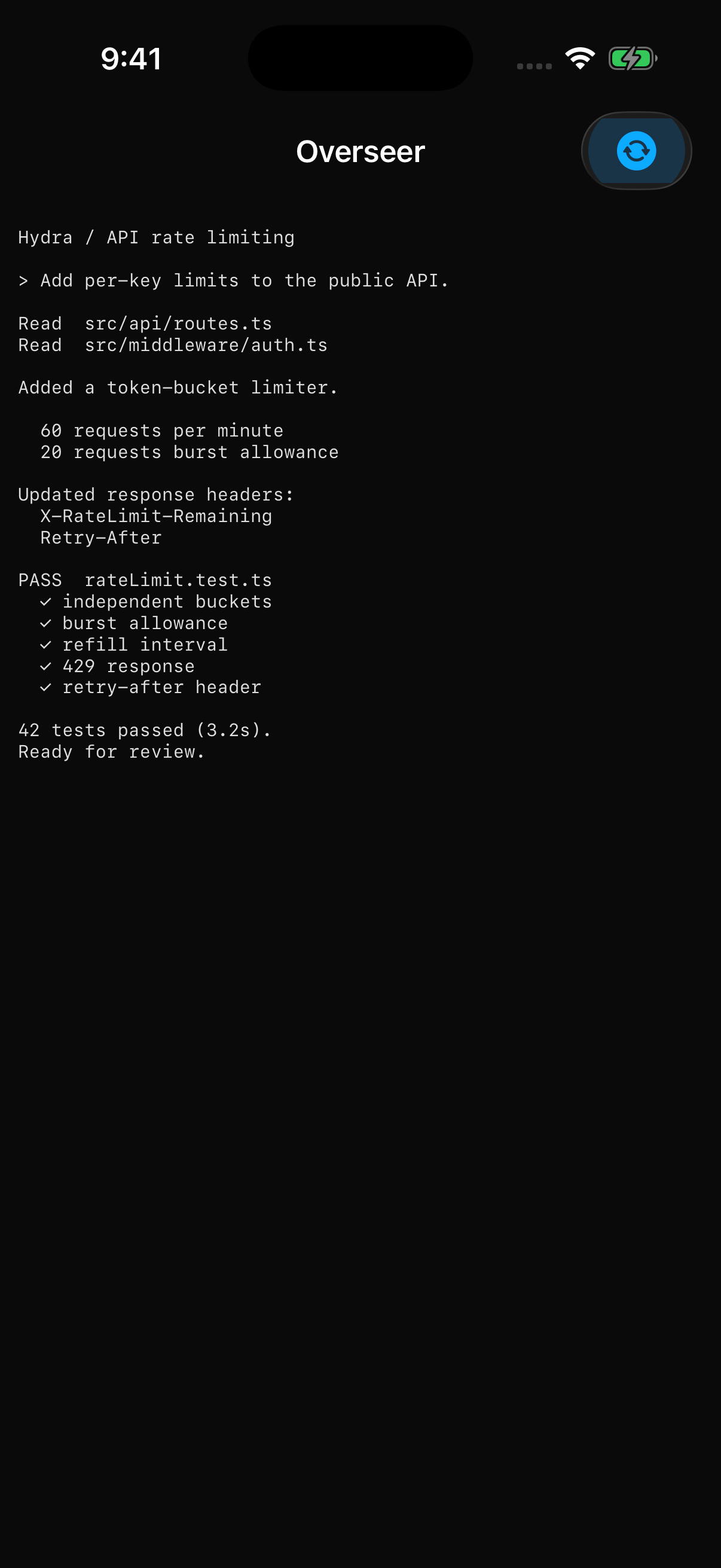
Actual iOS app, captured in Simulator with fictional tasks and staged results.
An inbox for your agents
The Inbox opens by default, with approvals and errors under Needs you now and recent completions below. Open a live terminal or swipe Done to dismiss an item until new activity arrives. Esc & dismiss interrupts and clears it. All activity keeps every session available, including dismissed items, ordered by real interaction.
Approvals from the lock screen
With notification permission and Apple push credentials configured on the Mac, an agent asking for approval, hitting an error, or finishing a long run can send a phone notification. Approve or interrupt straight from the lock screen — the reply is sent over SSH without opening the app. The Mac must be awake and online to send notifications, and the phone must be able to reach the host to deliver an action. Source builds require your own Apple push configuration.
A real terminal
Tap a session to attach over SSH. One-finger drag scrolls the tmux history; long-press or double-tap selects text to copy. A key bar adds Esc, Tab, Ctrl, arrows and agent shortcuts, and the composer lets you write — or dictate — a longer reply and send it as one clean paste.
Pair with your Mac
Scan a QR code from the desktop. Pairing installs the phone’s key on your Mac and hosts, imports their host keys, and adds the machines your workspaces use. For local sessions the desktop runs a small, restricted SSH server — paired devices only, tmux operations only — so you never turn on Remote Login.
Ordered by what you touched last
Sessions sort by real interaction — a message sent, an agent stopping — not by incidental output, so the list reflects where your attention actually was. Status is shown at a glance: working, waiting on you, errored, or parked.
What keeps running
Remote tmux sessions continue with the laptop closed. Local sessions need the Mac awake. A machine restart ends the tmux sessions on that machine.
 Acheron